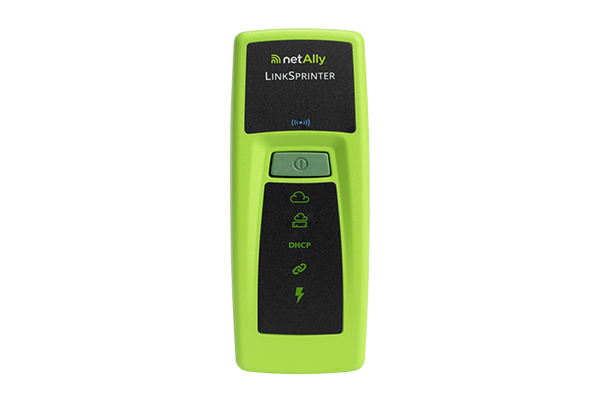
A 10-second, simple network connectivity test on copper Ethernet links; Ideal for frontline/help desk staff
• Discover nearest switch name and port information via CDP/LLDP/EDP for your managed switches
• Validate Power over Ethernet (PoE) voltage from power sourcing equipment according to 802.3af/at standard
• View detailed test results on your mobile device over LinkSprinter’s built-in Wi-Fi hotspot
• Automate reporting and enable collaboration with upload and management of test results via Link-Live Cloud Service
The LinkSprinter can test the actual link speed against the advertised speed of a switch. First, the Link Test LED will turn yellow, indicating a warning. Then, detail test results can be obtained via Link-Live and will show the advertised versus the actual link speed when a Gigabit Switch port is only capable of linking at 100 Mbps.
Not being able to connect can be caused by an open, short, or split pair. Using the LinkSprinter, users can further troubleshoot the problem by performing a cable test.
Verify the connection path between the jack location and the switch port using the LinkSprinter. LinkSprinter will identify the switch name and port number by analyzing the CDP/LLDP packet from the switch. The tester can blink the link light on the switch port it is connected to, allowing users to identify the full connection path.